 Renderify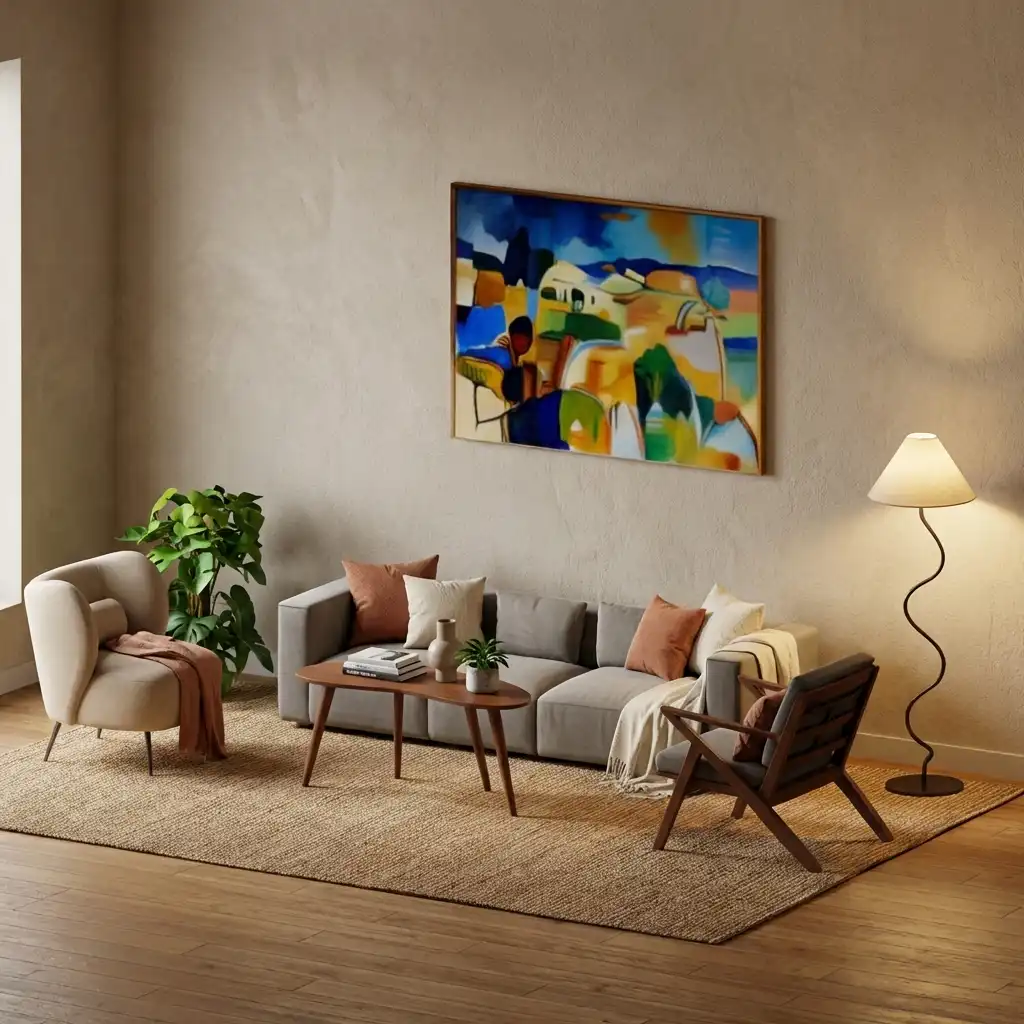
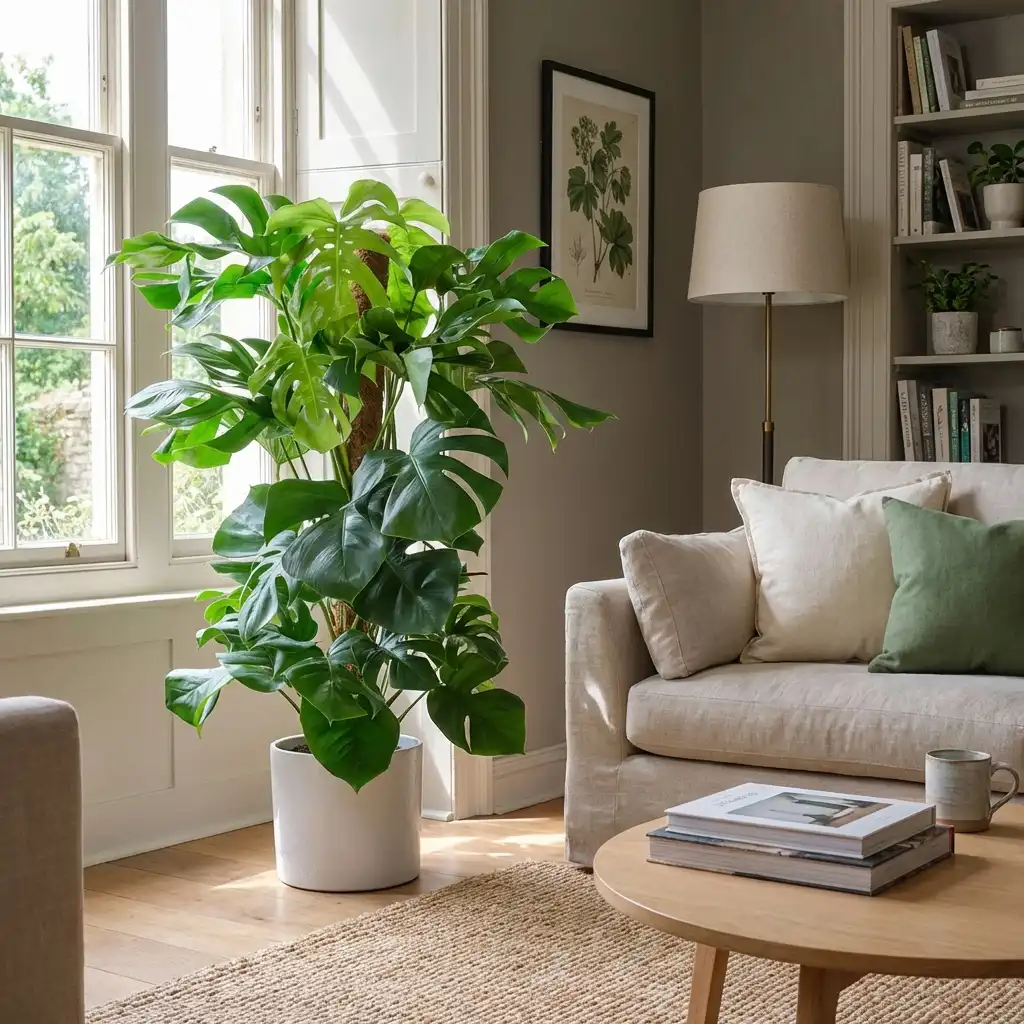
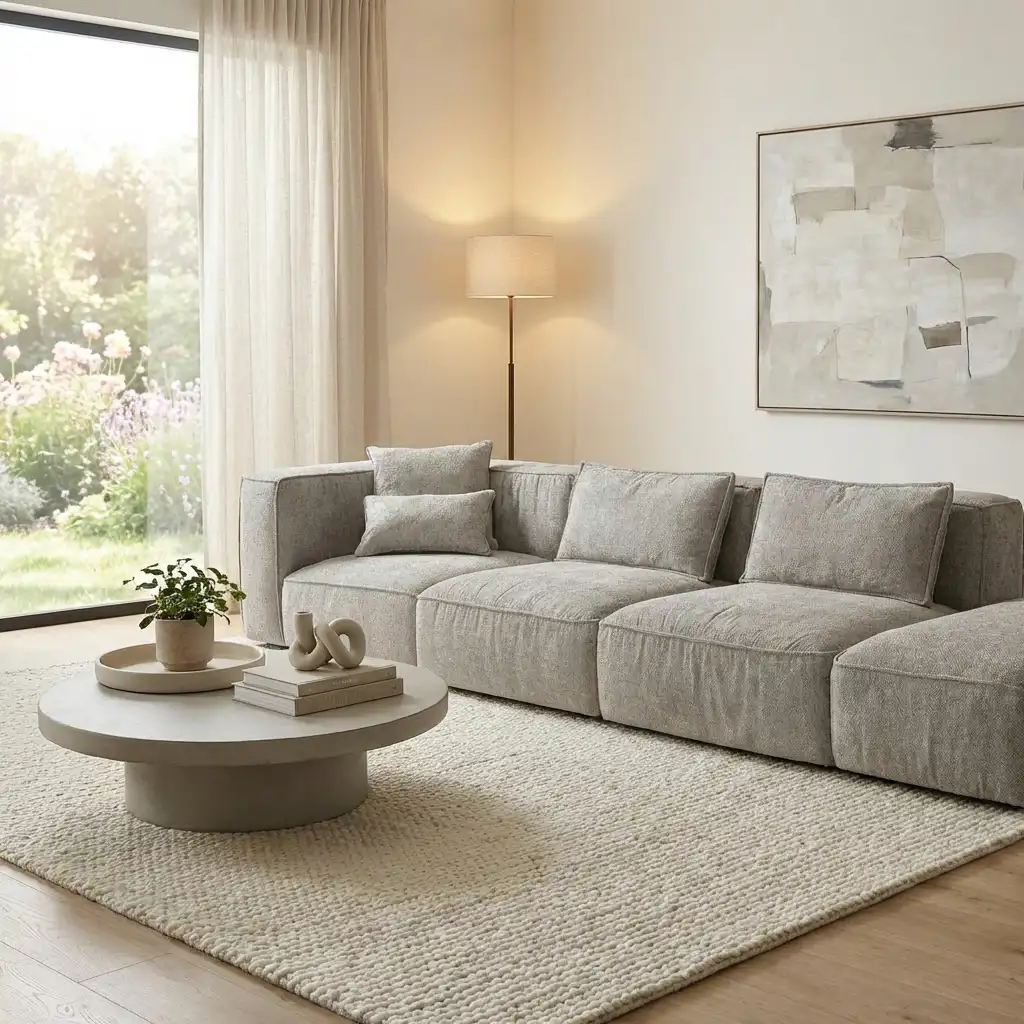
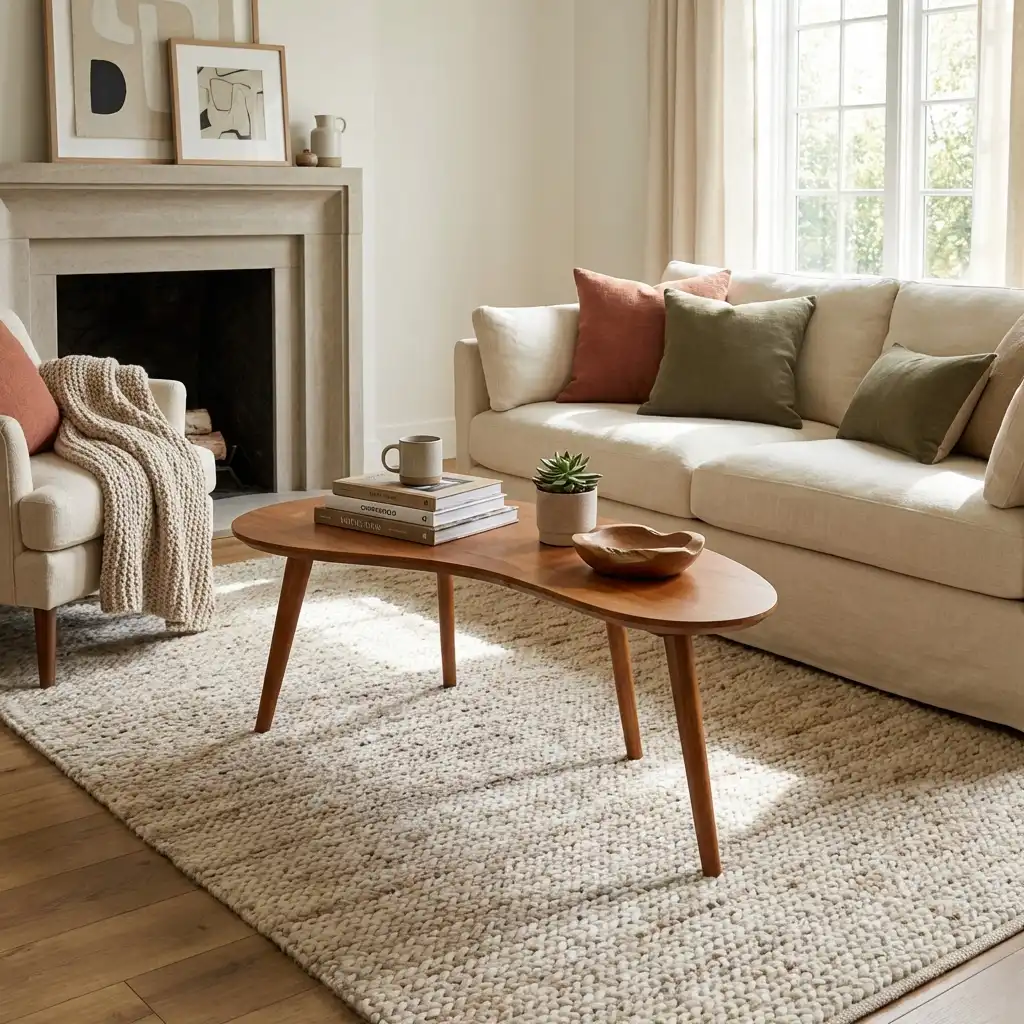
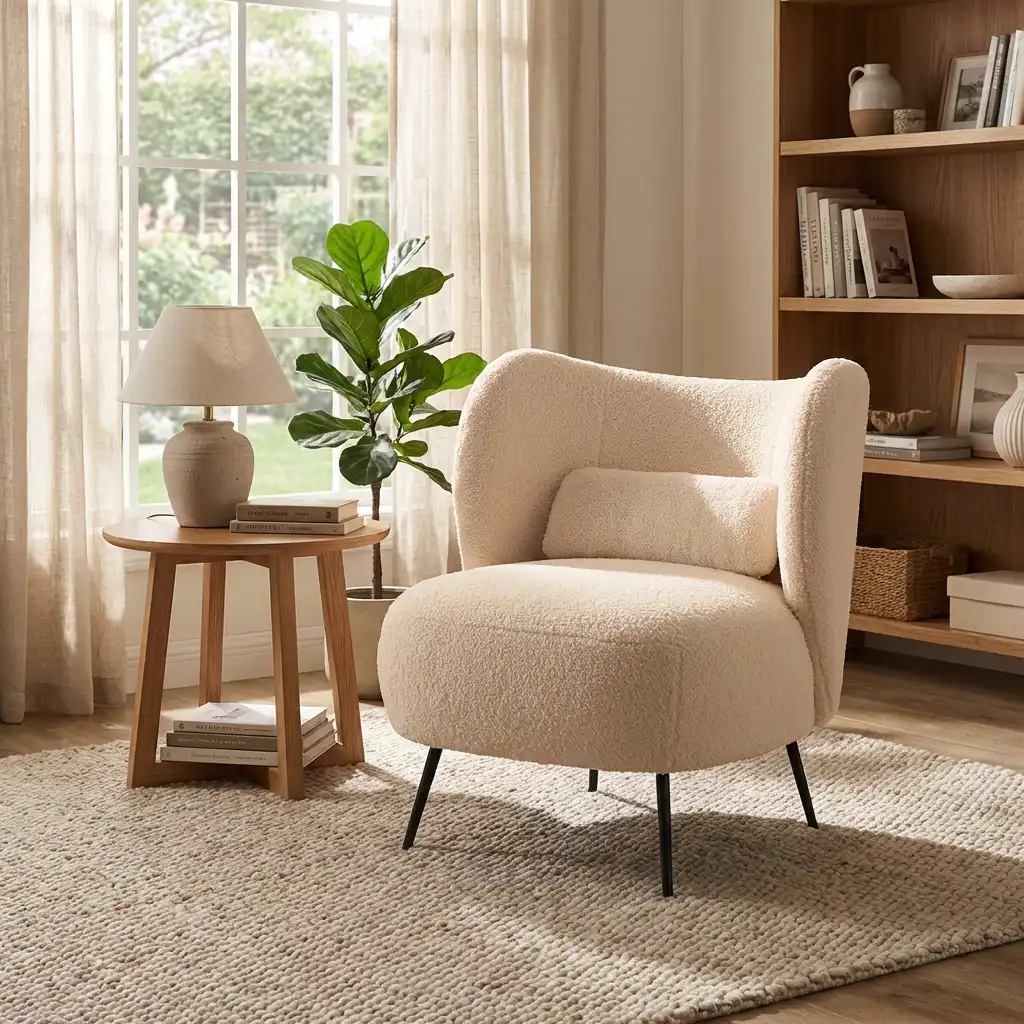
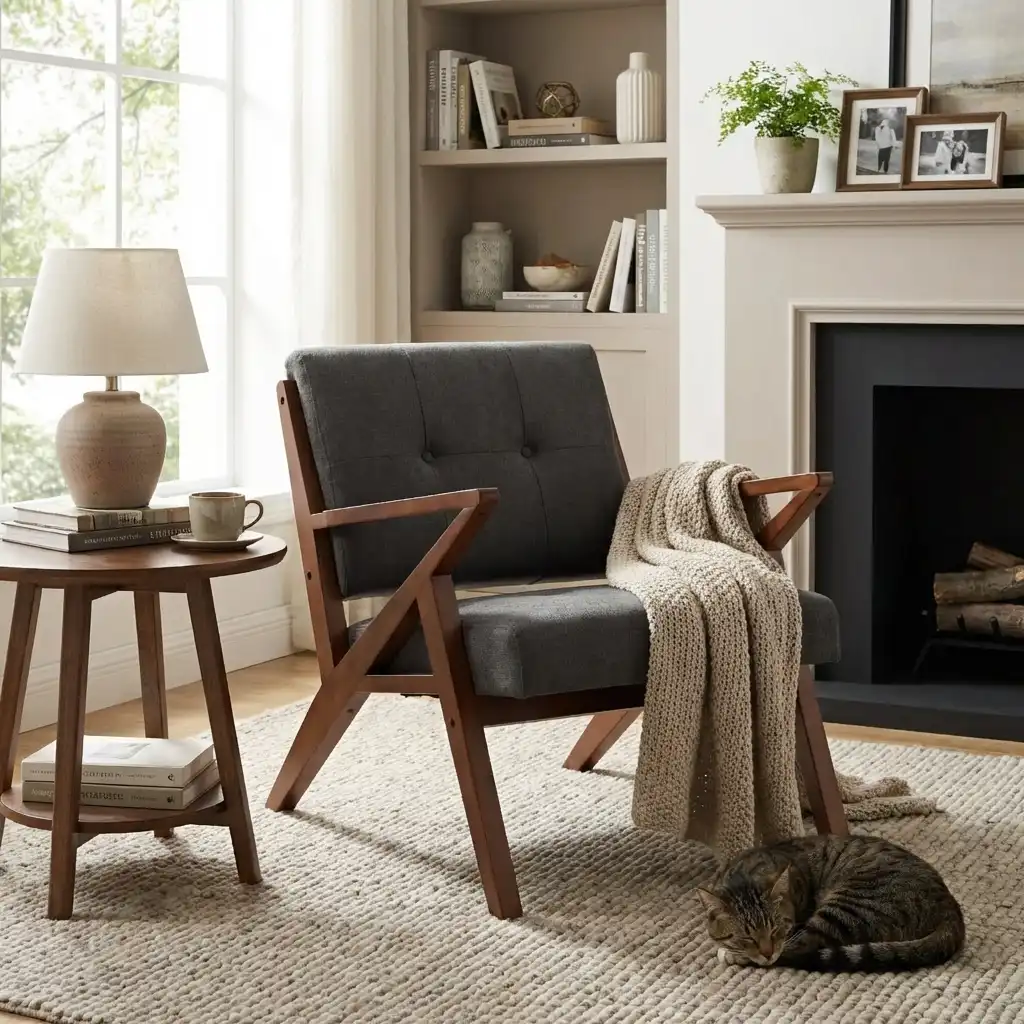
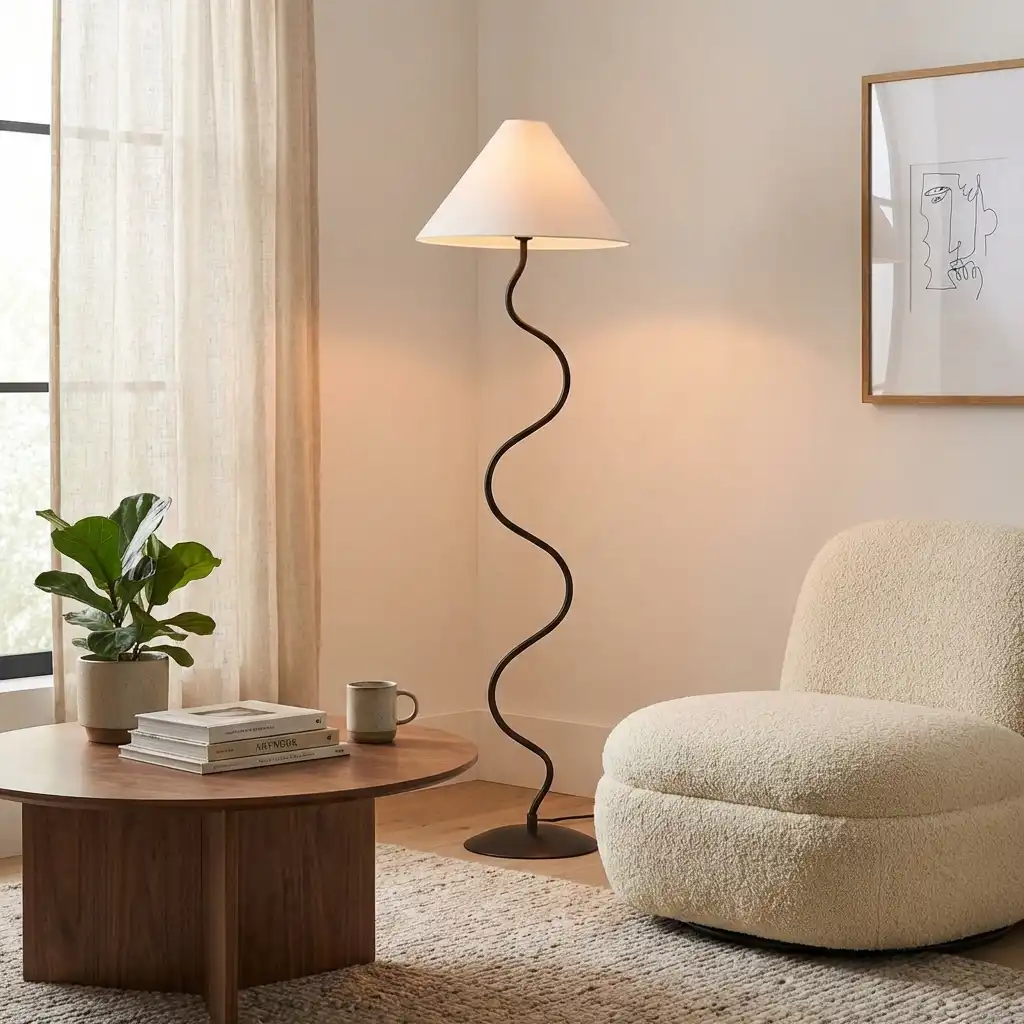
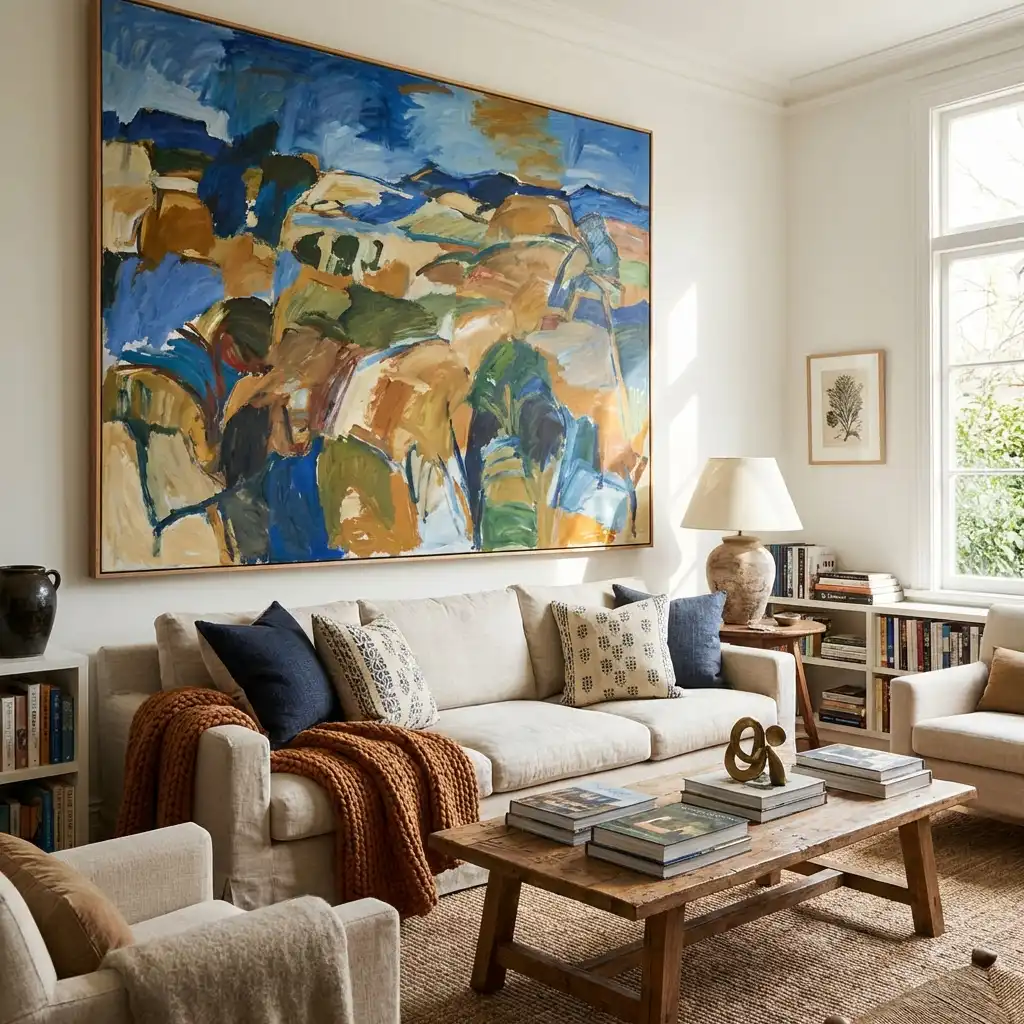
From Photo to Explorable 3D World
Generate a 3D room you can walk through, drop in any object from a photo, and render photorealistic scenes — all without touching a 3D tool.
Photo to 3D World
Upload a photo of any room and Renderify generates a complete 3D environment you can walk through. Bedrooms, studios, offices — any space works.
Any Object, Instantly in 3D
Snap a picture of a chair, lamp, or anything else. Our AI generates a 3D model from that single image so you can place it right in your scene.
Full Camera Control
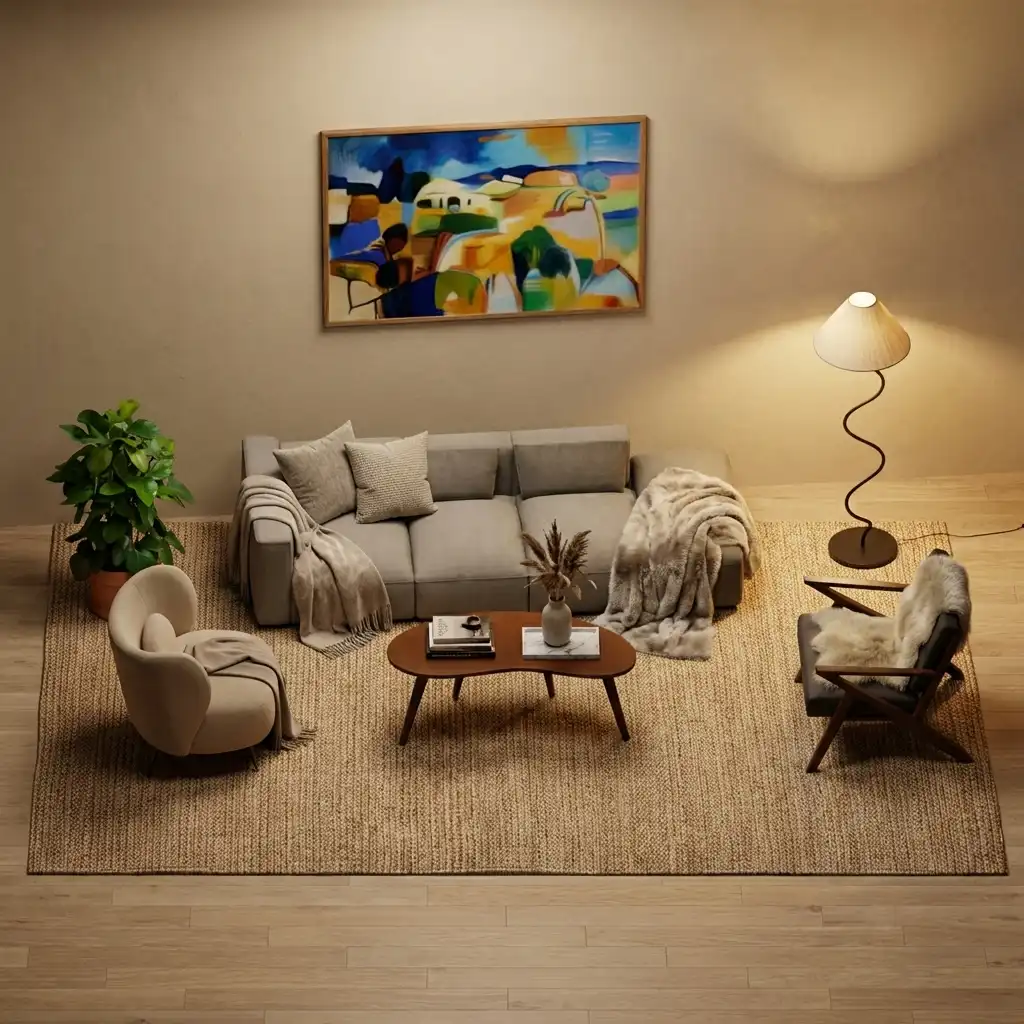
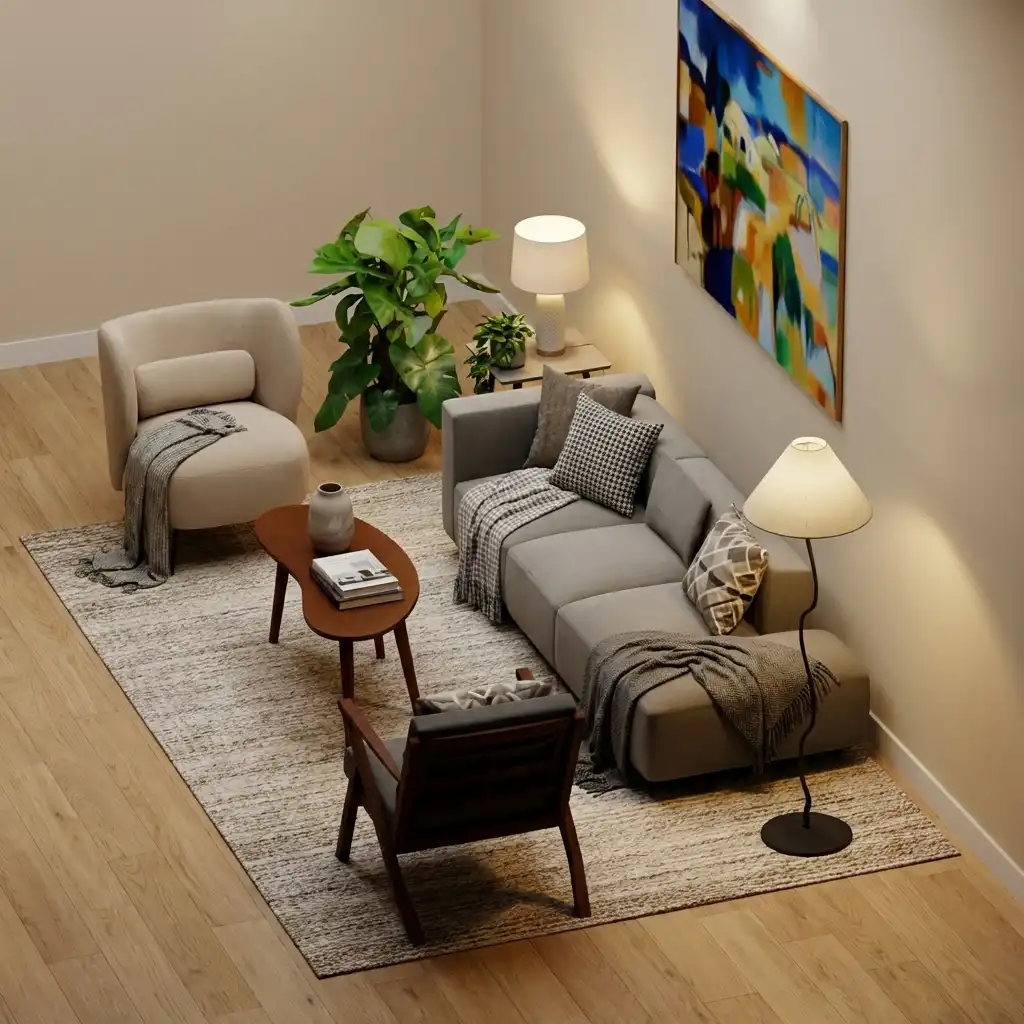
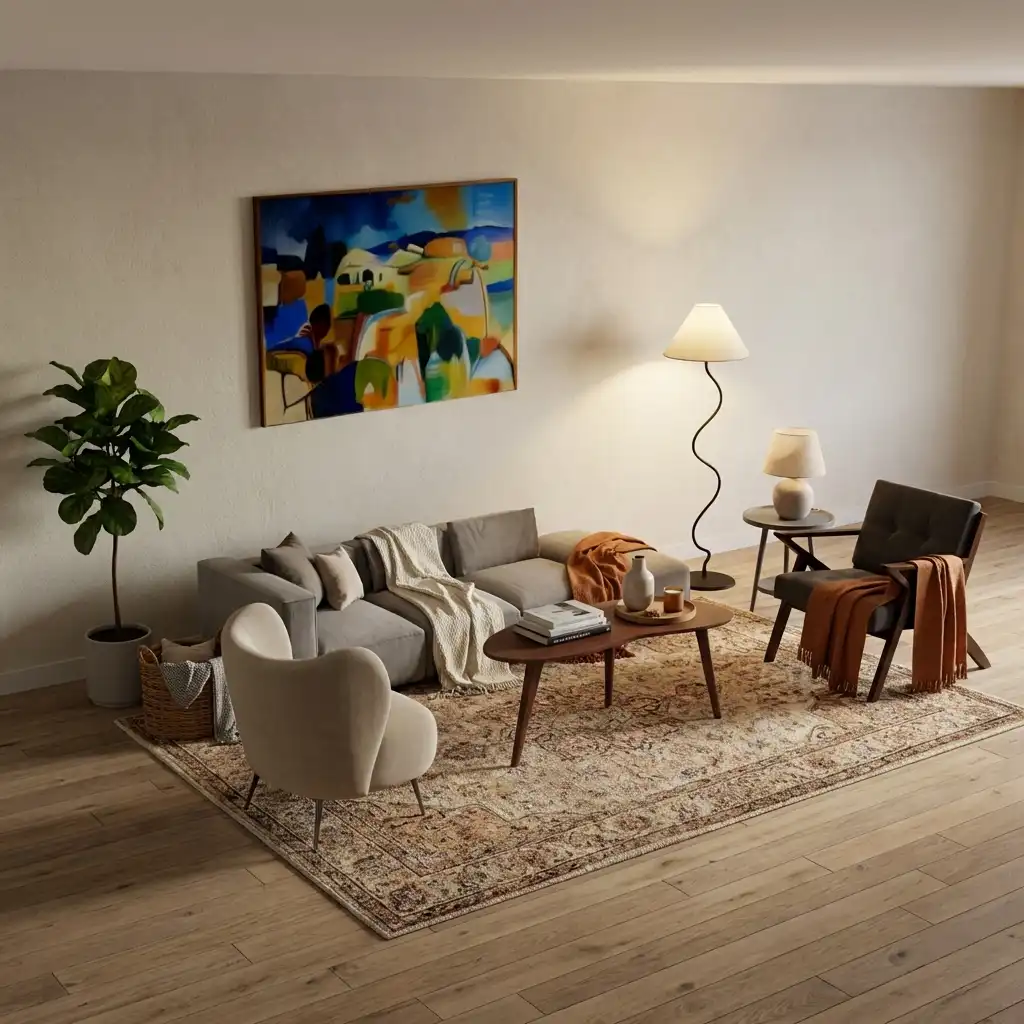
Orbit, pan, and position the camera anywhere in your 3D world. Frame the exact shot you want before generating a photorealistic render.
Photorealistic Renders
Generate stunning, photorealistic images of your scene with realistic lighting, shadows, and materials — no rendering pipeline required.
Walk Through Your Space
Explore your generated 3D world in real time. Walk around the room, inspect objects from every angle, and see your design come to life.
AI-Powered Scene Understanding
Renderify's AI reconstructs geometry, lighting, and materials from your photos. The result is a realistic 3D space — not a flat image filter.
Three Steps to a Photorealistic Render
Go from a phone photo to a fully rendered 3D scene you can explore and share.
Generate your room in 3D
Upload a photo of any room. Renderify uses the World Labs API to build a full 3D world you can walk through and explore from every angle.
Add any object to your scene
Photograph a real-world object or pick from a library. The AI creates a 3D model from a single image and drops it into your scene.
Render a photorealistic image
Position the camera, frame the perfect shot, and hit render. Renderify produces a photorealistic image of your scene in seconds.
Frequently Asked Questions
- How does Renderify turn a photo into a 3D world?
- Upload a photo of any room and Renderify uses the World Labs API to generate a full 3D environment. The AI reconstructs geometry, lighting, and materials so you can explore the space from any angle — not just view a flat image.
- Can I add my own objects to the 3D scene?
- Yes. Take a photo of any real-world object — a chair, vase, lamp, anything — and Renderify generates a 3D model from that single image. Place it anywhere in your scene and position it exactly how you want.
- Do I need 3D modeling experience?
- Not at all. Everything is generated from photos. You upload images, arrange objects in the scene, control the camera, and hit render. The AI handles all 3D generation, lighting, and materials automatically.
- Is Renderify free to use?
- Yes, you can get started for free. Renderify offers a free tier that lets you generate 3D worlds and photorealistic renders before upgrading to a paid plan.
Simple, transparent pricing
Start for free. Upgrade when you need more. Every plan includes all features — you only pay for how much you create.
Free
Try Renderify and see what it can do.
30 credits / month
Get startedIncludes
- 30 credits / month
- 1 Project, 2 Rooms, 5 Objects, 10 Renders
Starter
For hobbyists and casual designers.
200 credits / month
SubscribeIncludes
- 200 credits / month
- 1 Project, 5 Rooms, 25 Objects, 50 Renders
Pro
For active designers who need more power.
500 credits / month
SubscribeIncludes
- 500 credits / month
- 10 Projects, 30 Rooms, 100 Objects, 200 Renders
Ultimate
For power users and small studios.
1,200 credits / month
SubscribeIncludes
- 1,200 credits / month
- Unlimited workspace
Ready to Build Your 3D World?
Turn any room into an explorable 3D scene, add objects from photos, and generate photorealistic renders — all for free.
Get started for free